Till and receipts
A till that does the bookkeeping right
Check out straight from the appointment. Treatments, products, discounts and tips land on a numbered receipt with the right VAT, ready for your accountant.
How your salon benefits
Checkout in seconds
The appointment is already on the screen. Add a product, choose card or cash, done.
Correct by design
Receipts are numbered without gaps and can't be changed afterwards. A refund is a credit note, as the rules expect.
The day closes itself
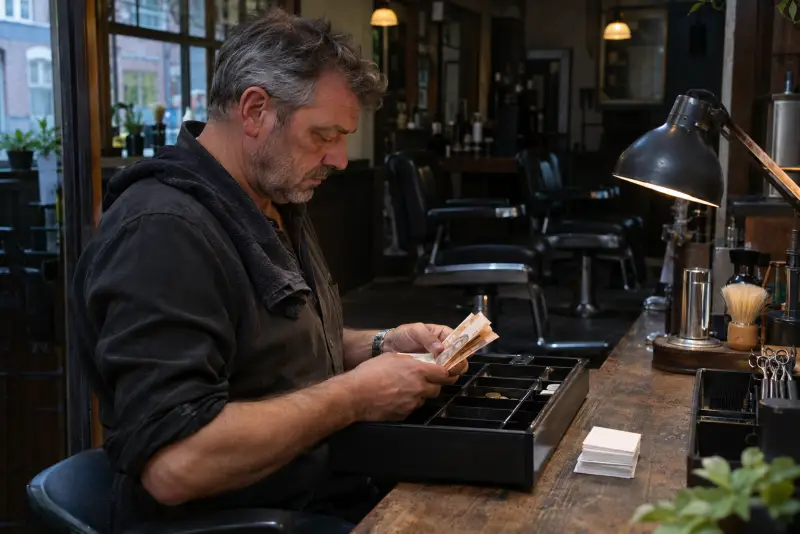
Count the cash, compare it with what's expected and see the differences, per drawer.
How it works
- 1
Open the appointment
The treatment, team member and price are already filled in. Add products or a tip.
- 2
Take payment
Card, cash, gift card or a prepaid package, also split over several methods.
- 3
Close the day
Count the drawer, compare with the expected cash and see the day's revenue per VAT rate.
What's included
Checkout from the appointment
Check out from the appointment or as a walk-in sale, with split payments, discounts and tips.
Numbered receipts and credit notes
Receipts numbered without gaps per year, with credit notes for refunds.
Cash-up with float and petty cash
Opening float, counted versus expected cash, and petty cash in and out. Print the cash-up and the day report on the receipt printer.
Gift cards at the till
Sell and redeem gift cards with a code and a balance, also in parts.
Prepaid cards and packages
Prepaid cards such as ten cuts, used up visit by visit.
Receipt printer, cash drawer and barcode scanner
Print receipts on a 58 or 80 mm thermal printer, open the cash drawer on cash sales, and scan products and gift cards at checkout.
Good to know
Can I still change a receipt?
No, a receipt can't be changed once it's made. To correct one, you issue a credit note, so your administration stays complete.
Which payment methods can I record?
Card, cash, gift cards and prepaid packages, also combined on one receipt.
Can I sell products without an appointment?
Yes. Start a walk-in sale and add products, gift cards or packages.
Can I print receipts?
Yes, on a 58 or 80 mm thermal receipt printer: through your browser's print dialog, which also works with network printers and AirPrint on an iPad, or directly over USB or a serial connection in Chrome or Edge on a computer. With a direct connection, a cash drawer on the printer can open on cash sales. A reprint is marked as a copy, and you can also email the receipt to the client.